


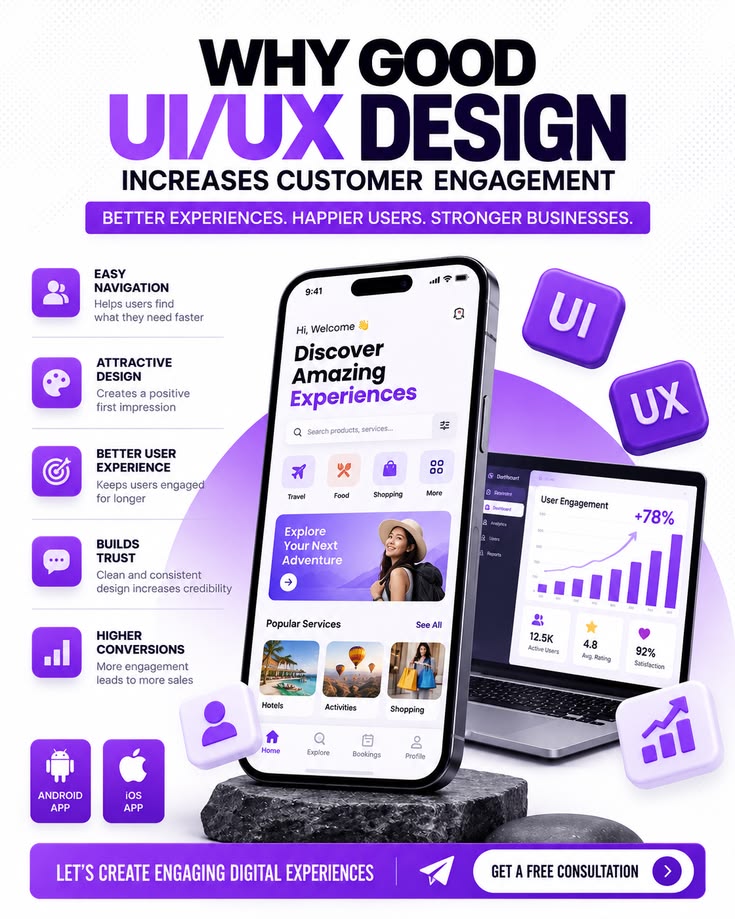
Mobile apps face intense competition for user attention. Industry benchmarks consistently show that average Day-1 retention hovers around 25 percent, while Day-30 retention often falls to single digits. The difference between apps that thrive and those that fade usually lies in thoughtful UI and UX design decisions that reduce friction, deliver value quickly, and encourage repeated use. Focusing on proven practices helps turn first-time visitors into loyal users.
Prioritize Fast Time-to-Value in Onboarding
The first session largely determines whether a user returns. Effective onboarding communicates the app’s core benefit immediately and guides the user to complete one meaningful action as quickly as possible—ideally within the first 60 seconds. Lengthy tutorials, multiple permission requests, or mandatory account creation before any value appears increase drop-off.
Progressive onboarding works better than front-loaded feature tours. Allow users to experience the main functionality right away, then introduce additional features through contextual tooltips or short prompts when they become relevant. Keep optional steps skippable and limit the flow to a small number of screens. Request permissions only when the benefit is clear and immediate. Apps that shift to this approach often see measurable improvements in early retention and feature adoption.
Design for Thumb Reach and Comfortable Interaction
Most smartphone use involves one-handed operation with the thumb. Primary actions, navigation, and confirmation buttons belong in the natural thumb zone—typically the lower and central portions of the screen. Bottom navigation bars with three to five clearly labeled destinations outperform hidden hamburger menus for frequent tasks.
Touch targets should meet platform guidelines: at least 44 by 44 points on iOS and 48 by 48 density-independent pixels on Android, with adequate spacing to prevent accidental taps. Consistent placement of interactive elements builds muscle memory and reduces cognitive effort. One clear primary action per screen further simplifies decision-making and keeps users moving forward.
Ensure High Performance and Reliability
Performance is a core part of the user experience. Slow launches, laggy scrolling, or frequent crashes drive users away faster than almost any other issue. Targets that support retention include cold-start times under roughly 2.5 seconds, responsive interactions under 100 milliseconds, and high crash-free session rates. Optimized media, efficient data use, clear loading indicators, and reliable offline behavior all contribute to a sense of polish and trust.
Skeleton screens that match the final layout help maintain perceived speed during content loading. Smooth animations and haptic feedback provide confirmation that actions registered, reducing uncertainty and repeated taps.
Build Intuitive Navigation and Clear Hierarchy
Users should reach key features in one or two taps. Familiar patterns drawn from platform conventions—such as bottom tab bars, standard gestures, and predictable back navigation—lower the learning curve. Consistent labeling, visual hierarchy, and spacing make interfaces easier to scan and understand.
Empty states offer another opportunity: instead of blank screens, provide guidance and a clear call to action that encourages the user’s first productive step. Helpful empty states convert potential frustration into engagement.

Incorporate Personalization and Habit-Forming Elements
Users return when an app consistently delivers relevant value. Personalization based on behavior, preferences, or past actions—such as tailored recommendations, saved settings, or adaptive content—increases perceived usefulness. Progress tracking, streaks, and achievement indicators support habit formation by making advancement visible and rewarding.
Gamification elements, when aligned with the app’s purpose, can raise Day-30 retention. Quests, levels, or variable rewards encourage repeated sessions without feeling forced. The key is ensuring these mechanics reinforce genuine user goals rather than adding empty complexity.
Use Microinteractions and Feedback Effectively
Subtle animations, button responses, and confirmation messages make the interface feel alive and responsive. Microinteractions confirm that an action succeeded, guide attention, and create small moments of delight. Clear feedback prevents users from repeating actions or assuming the app is unresponsive.
Error states should be specific and actionable, explaining what went wrong and how to fix it. Loading states and progress indicators keep users informed during waits.
Handle Notifications and Permissions Thoughtfully
Notifications can drive re-engagement when they deliver genuine value at the right moment. Excessive or irrelevant alerts lead users to disable them or uninstall the app. Personalize timing and content, limit frequency, and clearly demonstrate benefit before requesting permission. Contextual permission requests—tied to a feature the user is about to use—perform better than early blanket asks.
Design for Accessibility and Inclusivity
Accessible design expands the audience and improves usability for everyone. Follow established standards for contrast, text scaling (dynamic type), sufficient touch targets, and screen-reader support. Clear language, logical focus order, and support for system preferences reduce barriers and signal quality.
Measure, Iterate, and Align Design with Behavior
Track retention curves alongside activation metrics, session frequency, task completion, and feature adoption. Day-0 to Day-1 drop-off often points to onboarding or performance issues; later declines may signal weak habit loops or insufficient ongoing value. Use these insights to refine flows rather than relying solely on visual polish.
Strong mobile app UI and UX does not require constant novelty. It requires clarity, speed, respect for human constraints such as thumb reach and attention spans, and a relentless focus on helping users achieve meaningful outcomes with minimal effort. By delivering value early, removing friction, supporting habits, and maintaining reliability, teams create experiences that users choose to return to—turning installs into lasting engagement and stronger retention.
Read more – wishdua.com